Making data visualizations accessible
While their aim is to make information easier to understand, data visualizations can have specific accessibility implications for people with disabilities.

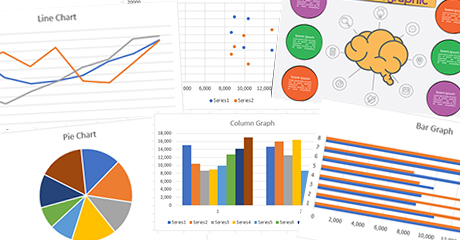
While their aim is to make information easier to understand, data visualizations can have specific accessibility implications for people with disabilities.
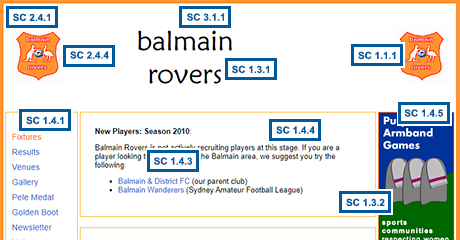
Identifying different kinds of multiple failures and understanding their nature will ultimately help web developers, designers, and content authors create accessible websites, and auditors to provide better guidance when they don’t.
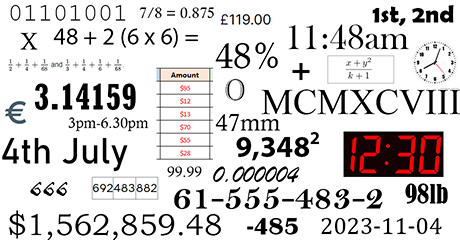
Numbers are a key part of web content. It makes sense, then, that when we use numbers, they must be accessible.

Due to their nature, and depending on how they are constructed, Single Page Applications might need to use techniques to conform to specific WCAG success criteria that are different to those used on multi-page websites.

Many websites publish content that isn’t created by the website owner or author, from embedded videos, shopping carts, and social media feeds to maps, booking systems and comments on blog posts. Who is responsible for making sure third party content is accessible? And how?

This article is a guide to testing your web content using speech recognition, looking at the ways in which speech recognition users interact with content, and the accessibility considerations these imply.

Decorative animations impair recall and are a source of extraneous cognitive load, which may be a barrier to people with some cognitive disabilities.

The focus of this article is on the impact of various types of AI on testing for digital accessibility. As more and more websites make use of AI to enhance user experience, we need to be aware of the role of AI in potentially inhibiting web accessibility for people with disabilities.
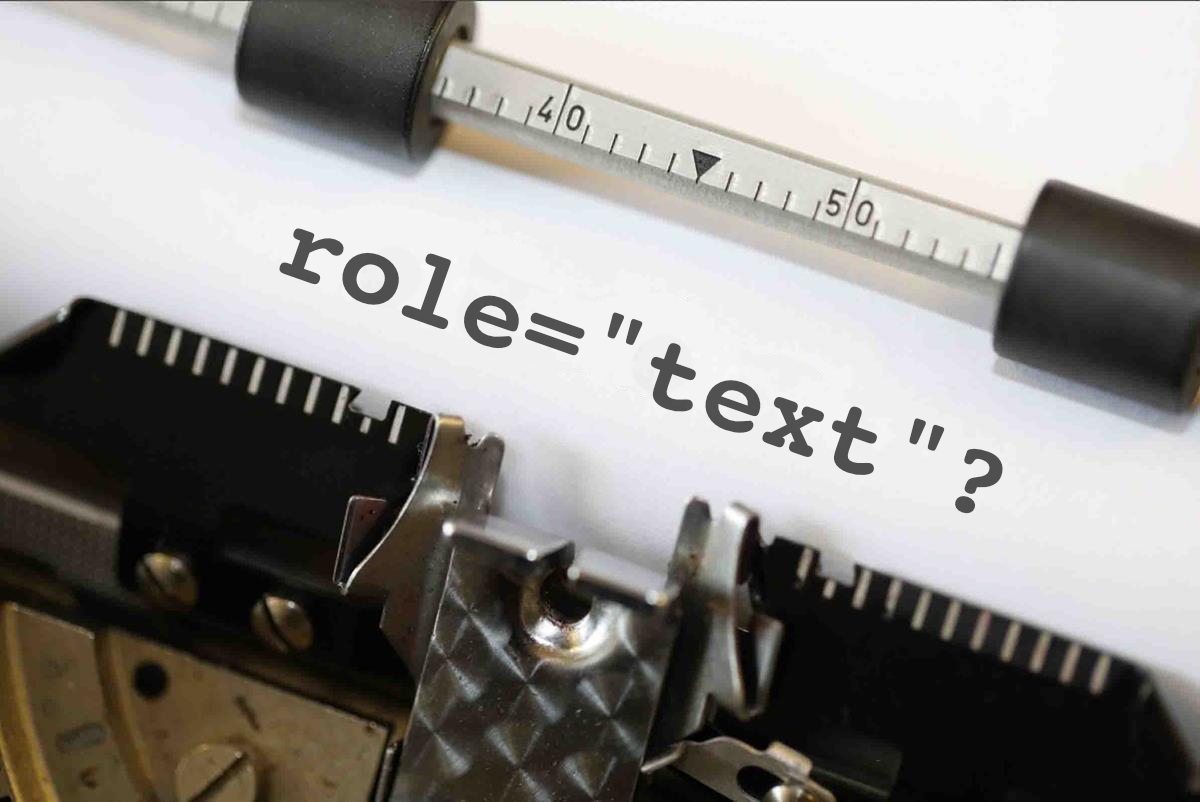
The use of role=”text” is not valid ARIA; this role was considered for ARIA 1.1 but was not ultimately included. However it does have some proprietary support in Webkit browsers, and is sometimes used to address a reading quirk in VoiceOver for iOS.